VGM desktop
The Video Game Module shows a full desktop over HDMI: a live mirror of the Flipper screen, an SD card file browser and an app dock, driven by keyboard and mouse.
 Flipware

Open-source custom firmware for Flipper Zero.
Everything Momentum offers, plus a desktop on the Video Game Module, a USB display stream and compute offload to the RP2040.
The Video Game Module shows a full desktop over HDMI: a live mirror of the Flipper screen, an SD card file browser and an app dock, driven by keyboard and mouse.
The same desktop streams out of the VGM's USB-C port, so a computer can be its screen and keyboard.
The Flipper hands compute jobs to the RP2040 over a faster expansion link with DMA receive at 2 Mbaud.
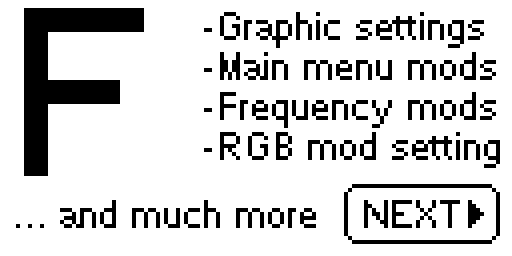
Asset packs, main menu and lock screen customisation, Bad KB and the extended Sub-GHz and NFC tools. Apps built for Momentum keep working.
.tgz package from the
latest release..tgz and wait for the update to finish.Prefer the SD card? Extract the release .zip into SD/update,
then run Update from the Flipper's file browser.
git clone --recursive --jobs 8 https://github.com/calvingunther66/Flipware.git
cd Flipware
./fbt flash_usb_full     # flash over USB
./fbt updater_package # build a .tgz update packageFlipware is built on Momentum, Unleashed and the Official Firmware, and bundles apps by many authors. It is free software under the GNU GPL v3.0.